
|
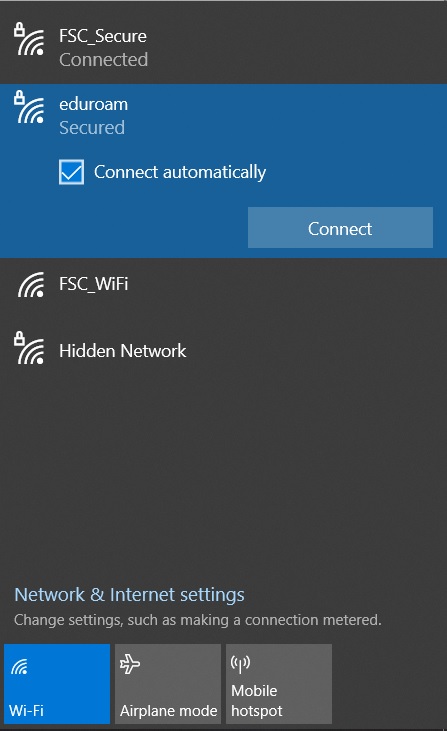
FSC wireless provides a fast, secure, and reliable wireless network that can be used in all academic buildings, residence halls and some green spaces on campus. You can connect multiple devices such as laptops, tablets and smartphones to the eduroam network using your FSC username and password. Since FSC wireless is part of the eduroam initiative, when students, faculty, and staff visit other academic institutions that utilize eduroam, they will automatically be connected to wireless internet without having to reenter their credentials Some devices that are not capable of the security protocols used by eduroam, such as gaming and entertainment devices, will not be able to connect to eduroam. Instead these devices will need to be connected to FSC gaming devices. For assistance, contact the Helpdesk at 934-420-2754 or email helpdesk@farmingdale.edu. |
|
How to connect a mobile device to Eduroam |
How to connect a laptop to Eduroam |
Eduroam Configuration Assistance Tool (CAT) |
Troubleshooting Eduroam |